
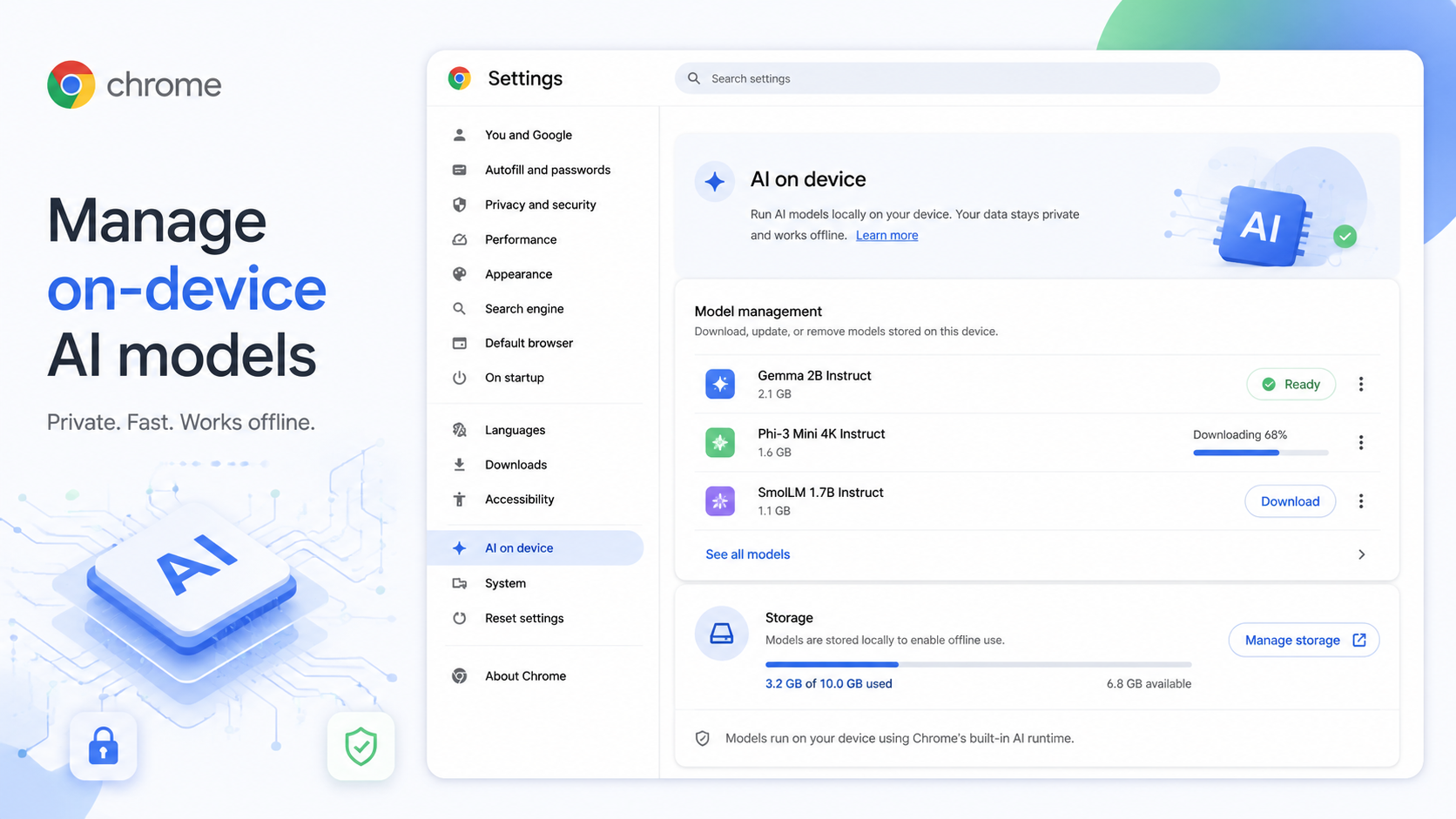
Chrome's newer AI features are not all powered in the same way. Some experiences rely on cloud systems; others can use on-device generative AI models. Google's Chrome Help explains that Chrome may download these models in the background so AI-powered browser features are ready when needed.
That can sound mysterious, but the idea is straightforward. An on-device model is stored on your computer and helps Chrome perform certain AI tasks locally. Google lists examples such as helping with writing or rephrasing text, warning about scams, summarizing pages and organizing tabs.
Why should a normal user care? Storage and availability. Models take up space. If you delete them, you may free up storage, but features that depend on those models will stop working until the models are downloaded again. Some AI features may continue working because they do not rely on those on-device generative models.
To manage this setting on a computer, open Chrome, go to Settings > System, and look for the On-device AI control. If you turn it off or delete models, Chrome Help says re-enabling the setting can allow models to be downloaded again. The download needs an internet connection, and the time depends on file size and connection speed.
So when should you touch this setting? If your device has plenty of storage and you use Chrome's AI features, leave it alone. Chrome is trying to keep those features ready. If your disk is nearly full, you rarely use AI features, or you are troubleshooting storage usage, reviewing on-device AI models makes sense.
Do not confuse this with turning off every AI feature in Chrome. Removing on-device models affects features that rely on those local models. It does not necessarily disable every AI-related experience.
A simple rule: if you want Chrome's AI tools to feel ready and responsive, allow the models to stay. If you need space more than you need those features, remove them and accept that some tools may need to download again later.
This setting is also useful for people who like to understand what software stores locally. Chrome is becoming more capable, and that sometimes means it keeps more local resources. Knowing where to manage them gives you more control over the tradeoff.