
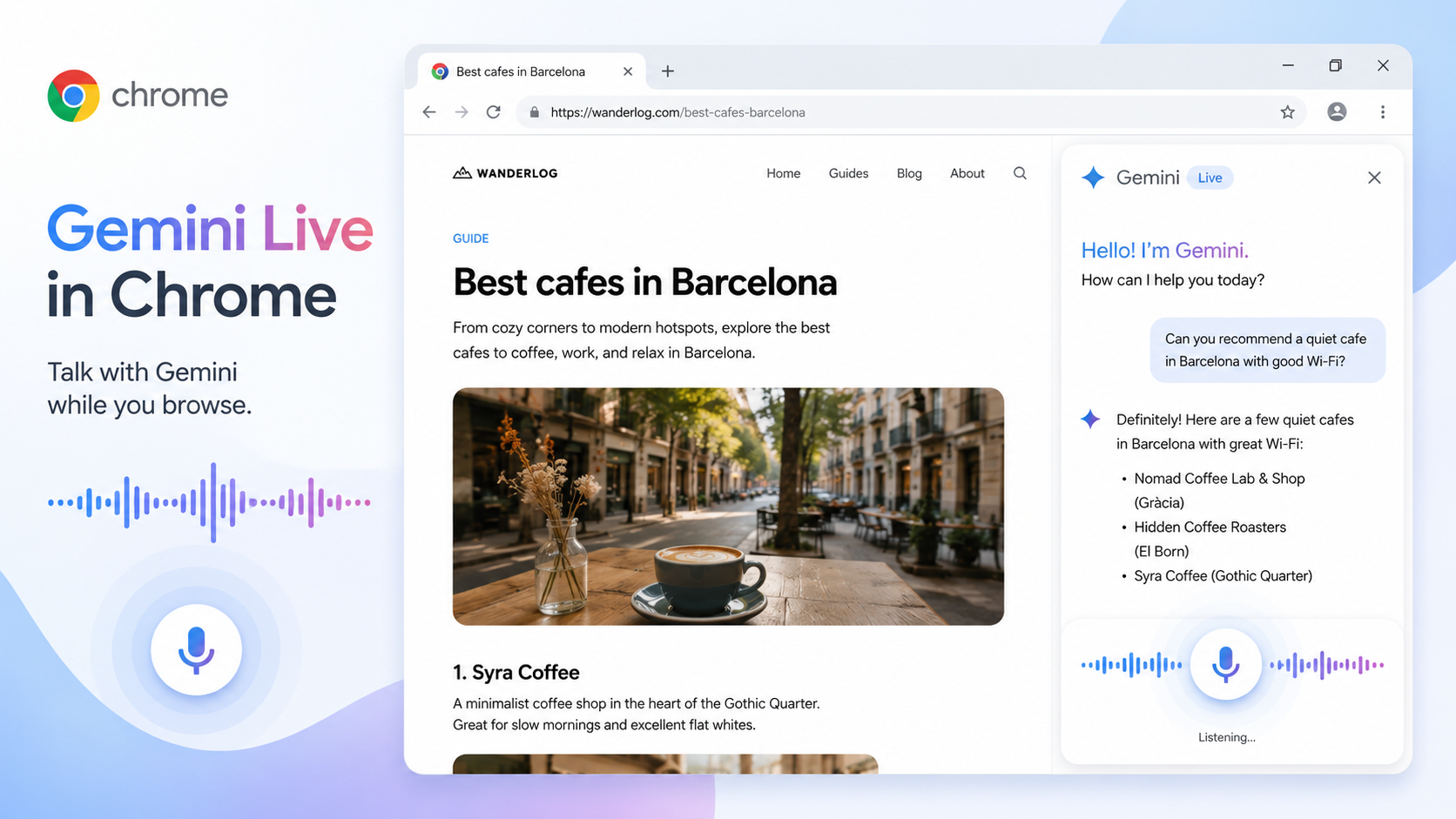
Sometimes typing is not the most natural way to work through a webpage. You may be reading a dense article, checking a recipe, comparing travel details, or looking at a technical guide where a quick conversation would be easier than another search query. Gemini Live in Chrome is designed for that kind of hands-free, back-and-forth help.
Gemini in Chrome already lets you ask questions in the browser side panel. Gemini Live adds a more conversational layer: you can talk while you browse. That does not mean you should stop reading the page. It means you can use voice to ask, "What is the main point here?" "What should I pay attention to?" or "Can you explain this paragraph more simply?"
A practical use case is studying. Open a long explainer article, start Gemini in Chrome, then use Live to ask it to quiz you on the topic. If you are reading documentation, ask it to walk you through the steps one at a time. If you are cooking from a recipe, ask for substitutions, timing reminders or a clearer order of operations. The page stays open, and your questions stay tied to what you are viewing.
Because this involves microphone use, check permissions first. In Chrome settings, go to AI innovations > Gemini in Chrome and review whether microphone access is on. You do not need to leave it on forever. Turn it on when you want voice features; turn it off if you prefer text-only browsing.
Also remember that Gemini in Chrome is gradually released and has device, account, region and language requirements. If you cannot find it, update Chrome, sign in and check whether the feature is available for your setup. Work or school accounts may depend on administrator settings.
Voice browsing is best for low-risk assistance: understanding, summarizing, brainstorming, studying and navigating long content. It is not the place to blindly approve account actions, payments, bookings or messages. If Gemini suggests something important, stop and verify it on the page.
Used wisely, Gemini Live can make Chrome feel less like a screen you stare at and more like a conversation around the page in front of you. For people who learn by speaking or listening, that can be a meaningful shift.