
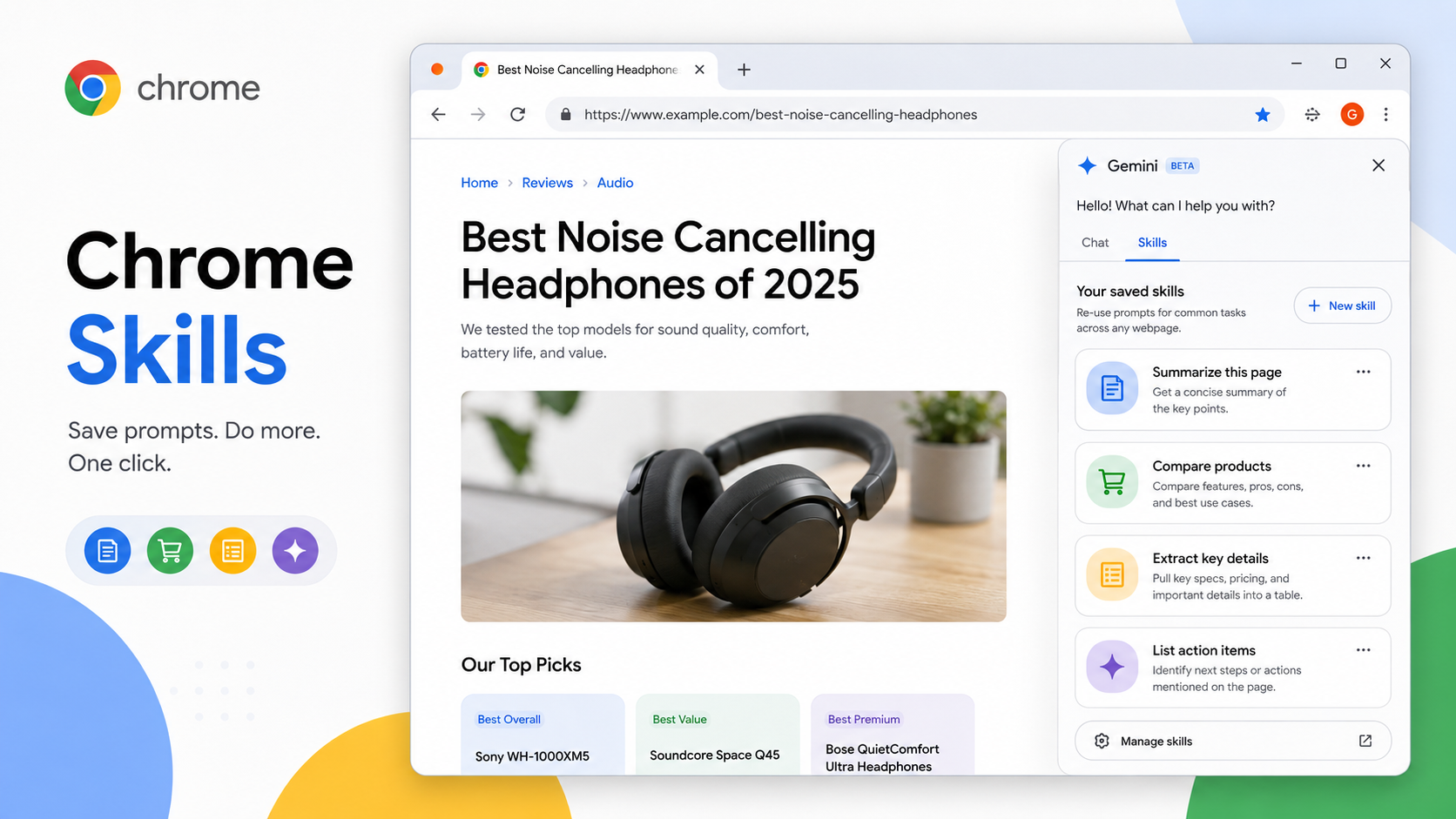
If you use AI while browsing, you probably have a few prompts you type again and again. "Summarize this page." "Compare these products." "Pull out the key details." "Turn this article into a checklist." It works, but it gets boring fast.
Chrome Skills are Google's answer to that repetition. A Skill is basically a reusable Gemini in Chrome workflow. You write or choose a prompt once, save it, and run it later without rebuilding the instruction from scratch.
Imagine you are comparing three noise-canceling headphones. Instead of asking Gemini every time to list price, battery life, comfort notes, return policy and weak points, you can turn that instruction into a Skill. Next time, open the Gemini side panel, choose the Skill, and run it on the page or, where supported, across selected tabs.
The strongest Skills are narrow. "Summarize this" is okay. "Summarize this article for a busy buyer and list anything that affects price, warranty or return risk" is better. "Compare product pages in a table with price, main benefit, hidden limitation and final recommendation" is better still. The point is not to write a fancy prompt. The point is to make a tiny tool for a task you actually repeat.
Chrome Skills can also be useful outside shopping. Students can save a Skill that turns a long reading into revision notes. Writers can save one that extracts claims and evidence. Developers can make one that scans documentation and lists setup steps. Travelers can make one that compares hotel policies across tabs.
There is one important habit: review the output. A saved prompt makes the process faster; it does not make AI perfect. For prices, legal terms, medical information, booking rules or account actions, always check the original page before acting. If a Skill produces a draft message or suggested action, read it carefully before sending or confirming anything.
Availability depends on Chrome, Gemini in Chrome access, region, language, device and rollout timing. If you do not see Skills yet, update Chrome, sign in, check whether Gemini in Chrome is available for your account, and be patient with staged releases.
A good way to start is simple: notice the next prompt you type for the third time. That is probably your first Chrome Skill.