
Download 121.0.6167.184 from the Chrome Stable for Windows 64-bit
Download Google Chrome 121.0.6167.184 with the branch, platform, release date, and file size shown clearly on the same page.
What users usually want to know first
What changed in Chrome 121.0.6167.184
Google Chrome 121.0.6167.184 is available here as part of the Windows 64-bit Stable archive. Use this release page when you want the exact version, the current package details, and quick access to the correct installer.
CSS updates.
Let's start with CSS updates:
The properties scrollbar-color and scrollbar-width are now available. With them you can customize scrollbars and change—as you probably guessed—their color and width.
The font-palette property lets you select a specific palette to render a color font. This property now supports animation, so switching between palettes becomes a smooth transition between the two selected palettes.
The pseudo-elements ::spelling-error and ::grammar-error let you customize colors for the spelling and grammar errors, highlight misspelled words with background colors or other decorations, and implement custom spell checking with a more integrated appearance.
CSS masking for SVG is improved, this is a follow-up on to the improved CSS mask support in Chrome 120, adding new mask support to SVG (multiple masks, as well as mask-mode, mask-composite, mask-position, and mask-repeat). In addition, remote SVG masks (for example, mask: url(masks.svg#star)) are now supported.
Correction: A previous version of this article mentioned adding support for supports() conditions to @import, which was not the case. The change is included in Chrome 122.
Speculation Rules API updates
Sites can use the Speculation Rules API, to programmatically tell Chrome which pages to prerender, creating a better user experience by reducing page navigation time.
Now the API includes support for document rules: they are an extension to the speculation rules syntax that lets the browser obtain the list of URLs for speculative loading from elements in a page. Document rules may include criteria for which of these links can be used. This, coupled with a new "eagerness" field lets you automatically prefetch or prerender links on pages immediately, on hover or on mouse down.
Here is a document rules example:
A separate change allows specifying speculation rules using the Speculation-Rules HTTP response header. The header is an alternative to using inline <script> elements. The value of this header must be a URL pointing to a text resource with "application/speculationrules+json" MIME type. The resource's rules will be added to the document's rule set.
Also, the No-Vary-Search hint enables speculative prefetches to match even if URL query parameters change. The No-Vary-Search HTTP response header declares that some or all parts of a URL's query can be ignored for matching purposes. It can declare that the order of query parameter keys shouldn't prevent matches, that specific query parameters shouldn't prevent matches, or that only certain known query parameters should cause mismatches.
Visit Improvements to the Speculation Rules API for more information on these changes.
Element Capture API origin trial
The Element Capture API is available in an origin trial. This API lets you capture and record a specific HTML element. It transforms a capture of the entire tab, into a capture of a specific DOM subtree, capturing only direct descendants of the target-element. In other words, it crops and removes both occluding and occluded content.
An example of where the Element Capture API is useful is a video-conferencing app that lets you embed third-party applications in an iframe. In this scenario, you might want to capture that iframe as a video and transmit it to remote participants.
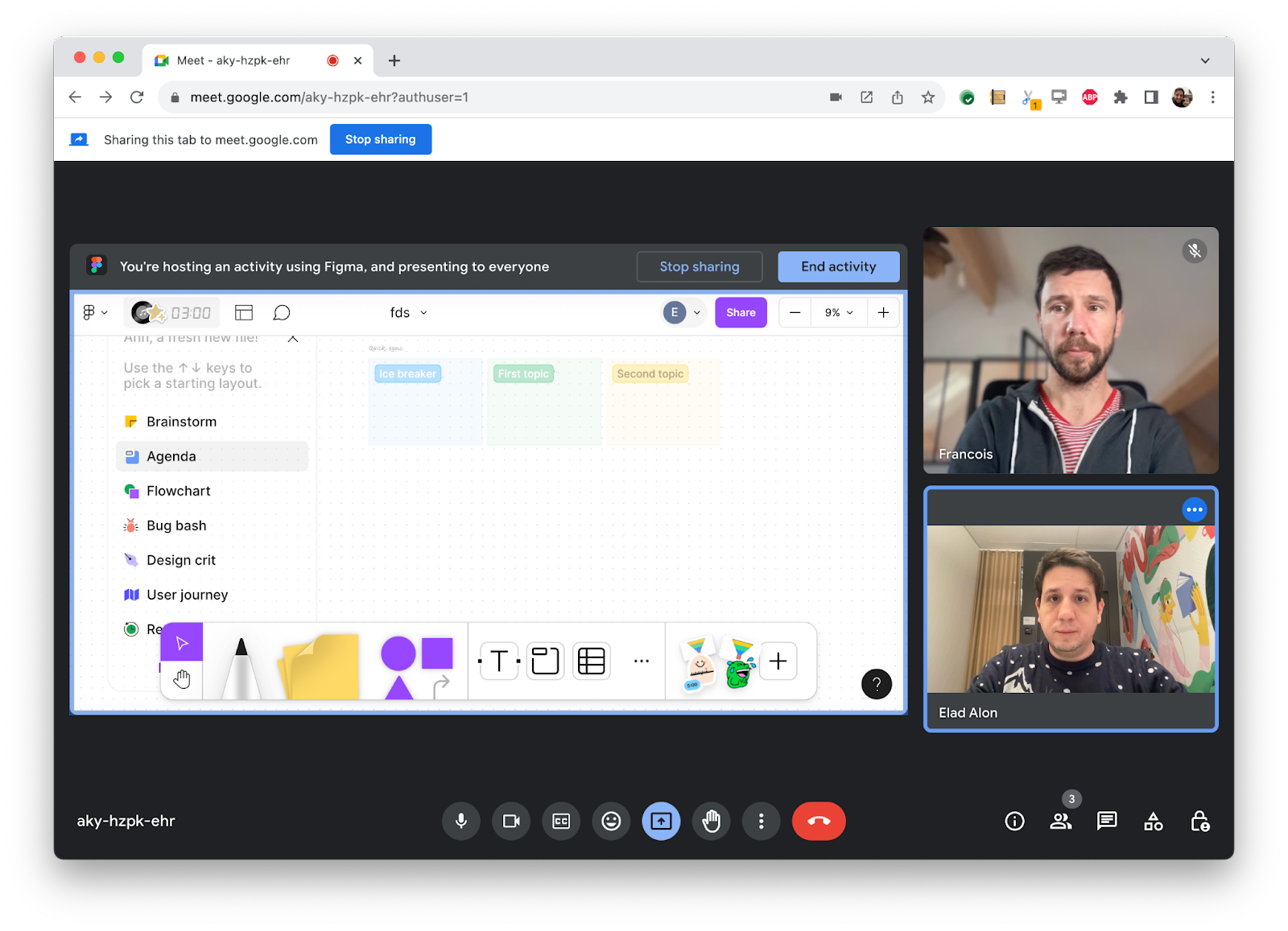
Note that you could use Region Capture to do that, but in that case if some content, like a drop-down list, draws on top of the content that's selected, that drop-down will be part of the recording.
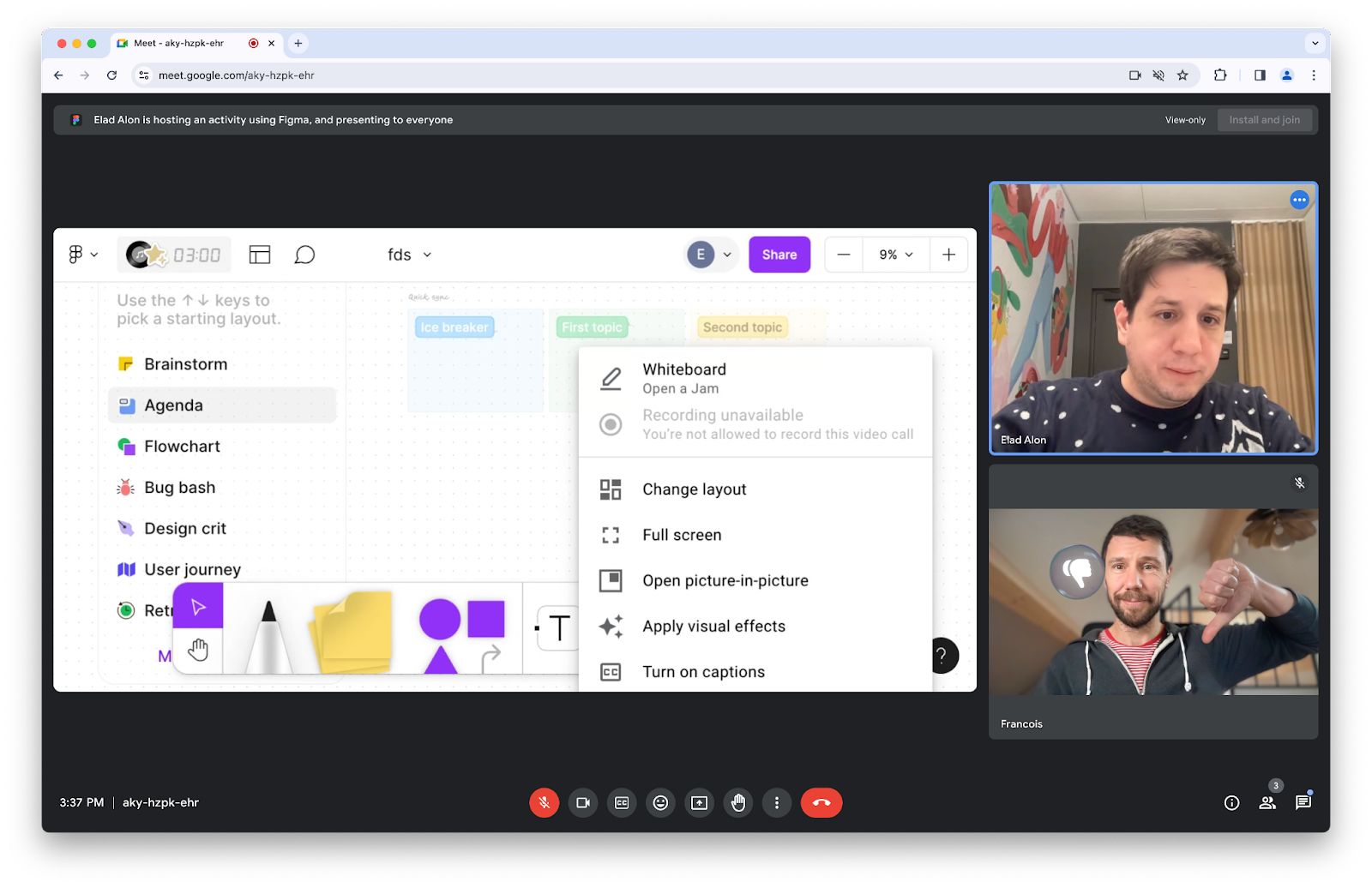
The Element Capture API solves this problem, by letting you target the element you want to share.
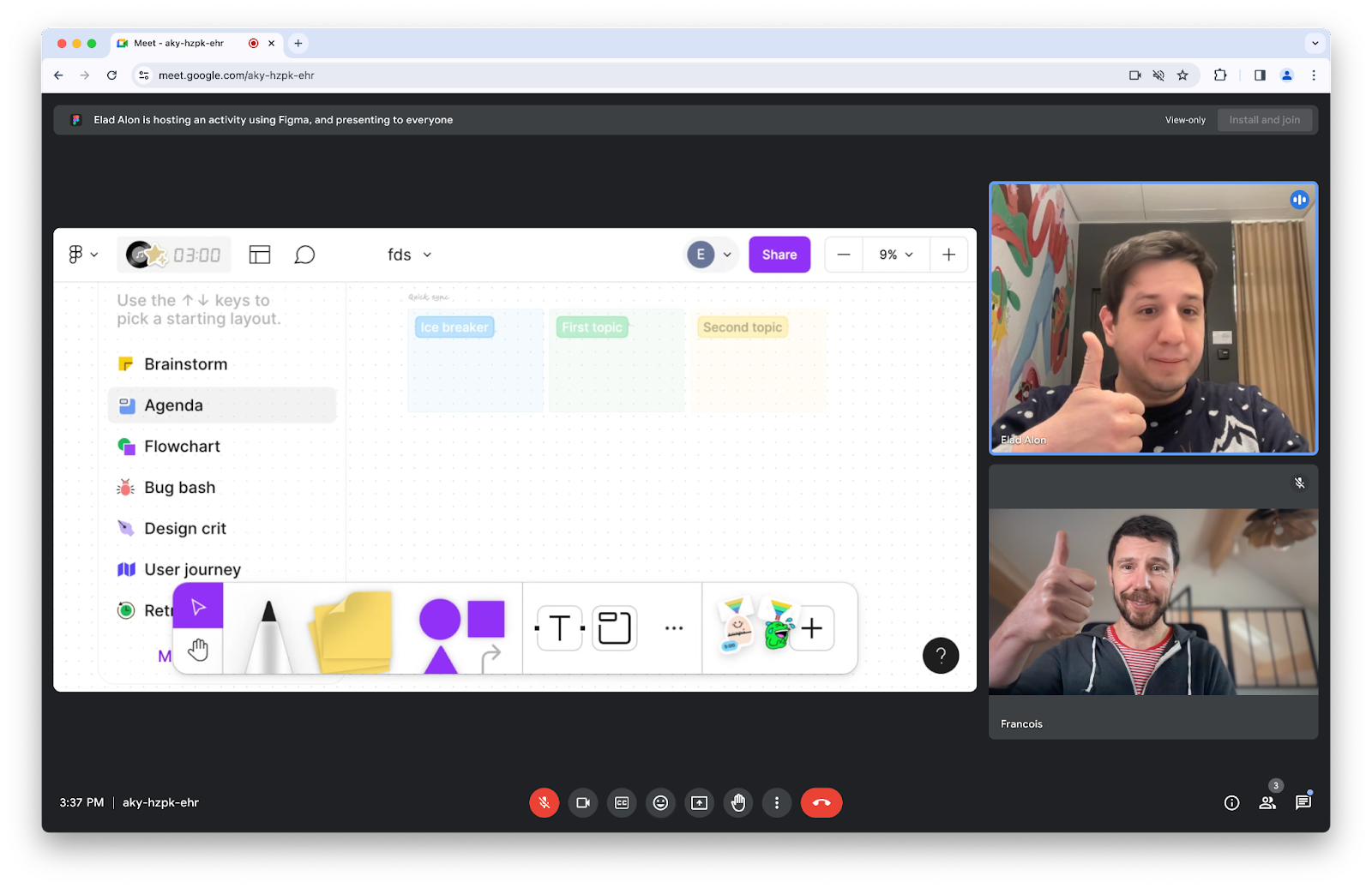
Checkout Capture a video stream from any element for code samples and register for the ElementCapture origin trial
And more!
Of course there's plenty more.
- The
resizeBy()andresizeTo()methods, part of the Document Picture-in-Picture API, now require a user gesture. - You can programmatically open the option picker of a
<select>element with theshowPicker()method ofHTMLSelectElement. scope_extensions, is in origin trial, it allows expanding a web app's behaviors to include other origins, if there is agreement between the primary origin of a web app and the associated origins.
Official source: Official Chrome update
Installation notes
After downloading the package, confirm that the branch and platform match your device before launching the installer or extracting the archive. If you only need a standard everyday browser, Stable is usually the safest choice. If you are testing new behavior, Beta, Dev, and Canary are better fits.
Related release pages
For newer or older builds in the same branch, open the category archive linked above. For different platforms, use the related desktop archives in the sidebar.
Frequently asked questions
These FAQ blocks help the page read like a complete release article instead of a download stub, which is better for trust and better for SEO.
Should I use this release or stay on Stable?
If you just want the safest everyday browsing experience, Stable is usually the right default. Preview branches are better for testing, compatibility checks, and early feature access.
Why show exact version numbers so prominently?
Because exact-version queries are common in English search behavior, especially for QA teams, enterprise users, and people trying to reproduce a bug or environment.
Why keep a full article around the download buttons?
A stronger page body gives users context and gives Google clearer signals about what the release page actually covers.
Where should older releases live?
Older versions belong in the category archive page, with this article template handling exact-version landing pages one release at a time.