
Download 78.0.3904.70 from the Chrome Stable for macOS
Download Google Chrome 78.0.3904.70 with the branch, platform, release date, and file size shown clearly on the same page.
What users usually want to know first
What changed in Chrome 78.0.3904.70
Google Chrome 78.0.3904.70 is available here as part of the macOS Stable archive. Use this release page when you want the exact version, the current package details, and quick access to the correct installer.
CSS Properties and Values API
CSS variables, technically called custom properties, are awesome. They let you define and use your own properties throughout your CSS. But, custom properties are not much more than a simple search and replace.
If you used a variable for a color, but assigned a URL as a value, the rule would just be silently discarded. With the CSS Properties and Values API, you can define a type and default fallback value for your custom properties.
Registering a property is as easy as calling window.CSS.registerProperty() and providing the name of the property you're defining the type of property it is, if it should inherit, and it's initial value.
Take a look at Sam Richard's Smarter custom properties with Houdini's new API article on web.dev for complete details.
Fresher service workers
Byte-for-byte checks are now performed for service worker scripts imported by importScripts(). In the past, the only way to force an installed service worker to pick up changes to an imported script was to change the imported script's URL, usually either by adding in a semver value or hash in the URL.
Starting in Chrome 78, each time an update check is performed for a top-level service worker file, Chrome will also check whether or not the contents of any imported scripts have changed. If they have, it will trigger the full service worker update flow. This brings Chrome into conformance with the spec, and matches what Firefox and Safari do.
Jeff has all the details in Fresher service workers, by default, including some important things to know about how the HTTP cache impacts the update cycle.
New origin trials
Origin trials provide an opportunity for us to validate experimental features and APIs, and make it possible for you to provide feedback on their usability and effectiveness in broader deployment.
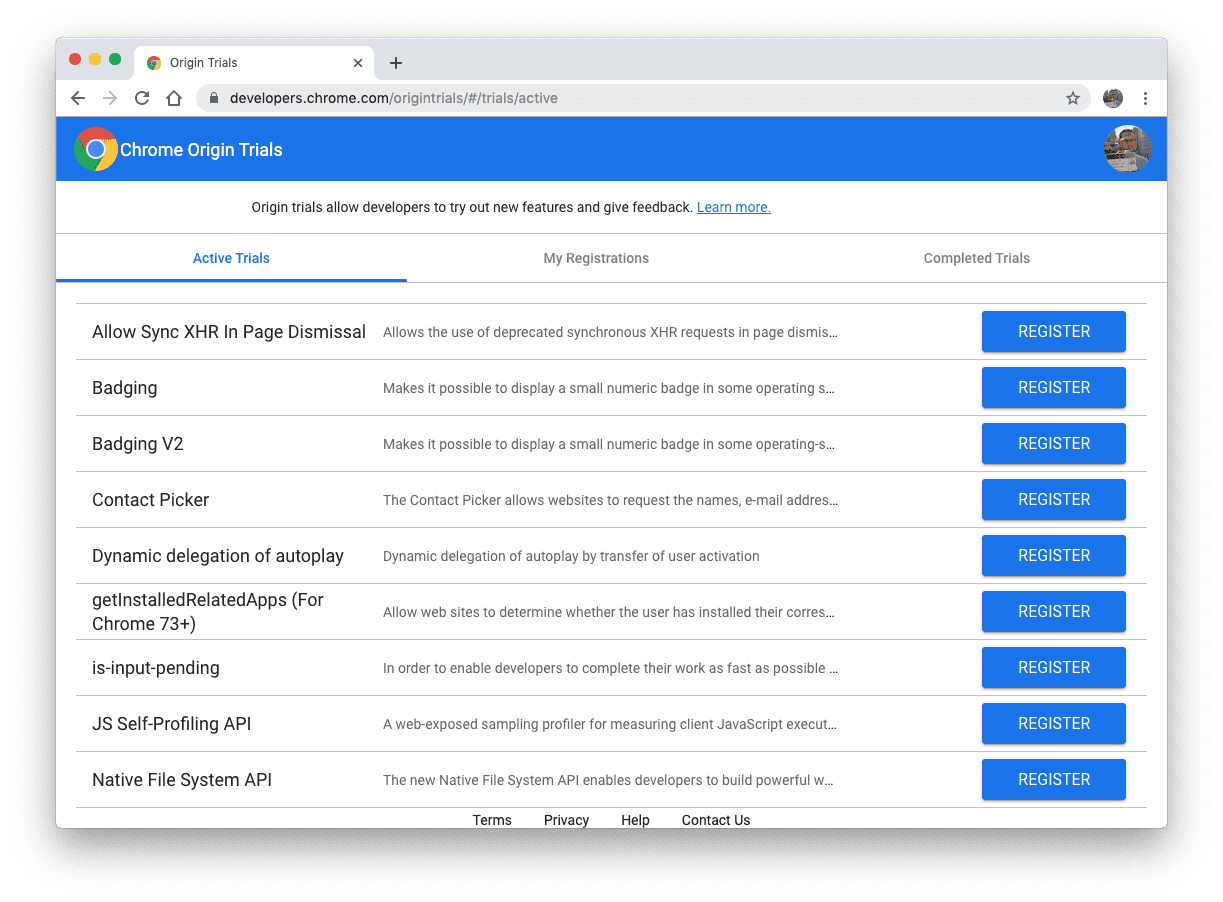
Experimental features are typically only available behind a flag, but when we offer an Origin Trial for a feature, you can register for that origin trial to enable the feature for all users on your origin.
Opting into an origin trial allows you to build demos and prototypes that your beta testing users can try for the duration of the trial without requiring them to flip any special flags in Chrome.
There's more info on origin trials in the Origin Trials Guide for Web Developers. You can see a list of active origin trials, and sign up for them on the Chrome Origin Trials page.
Native File System
An Origin Trial for the Native File System API starts in Chrome 78 and is expected to run through Chrome 80.
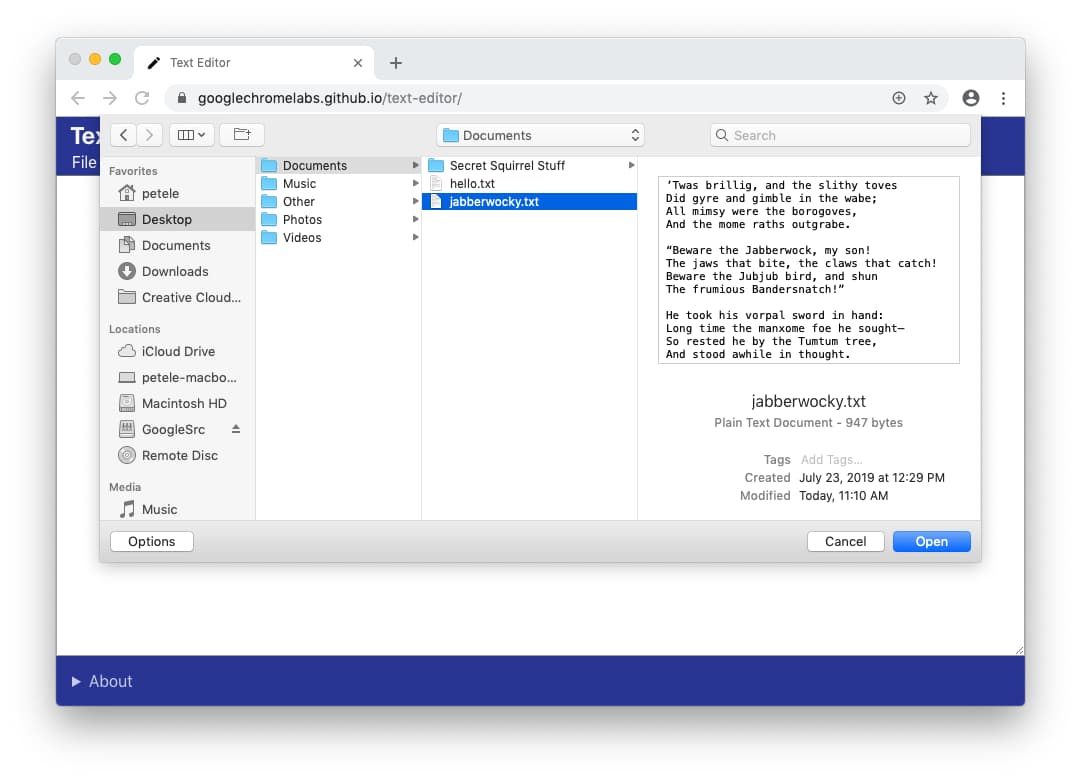
The Native File System API enables developers to build powerful web apps that interact with files on the user's local device. After a user grants a web app access, this API allows web apps to read or save changes directly to files and folders on the user's device.
I'm really excited about all of the new experiences this enables, no more having to "upload" or "download" files I want to work with. Check out my post about the Native File System for all the details, including code, a demo, and how we're working to keep users safe.
SMS Receiver
An Origin Trial for the SMS Receiver API starts in Chrome 78 and is expected to run through Chrome 80.
The SMS Receiver API, now available as an origin trial, lets your web app receive specially formatted SMS messages for your app's origin. From this, you can programmatically obtain an OTP from an SMS message and verify a phone number for the user more easily.
Eiji wrote Verify phone numbers on the web with the SMS Receiver API with all the details, and how to sign up for the origin trial.
Chrome Dev Summit 2019
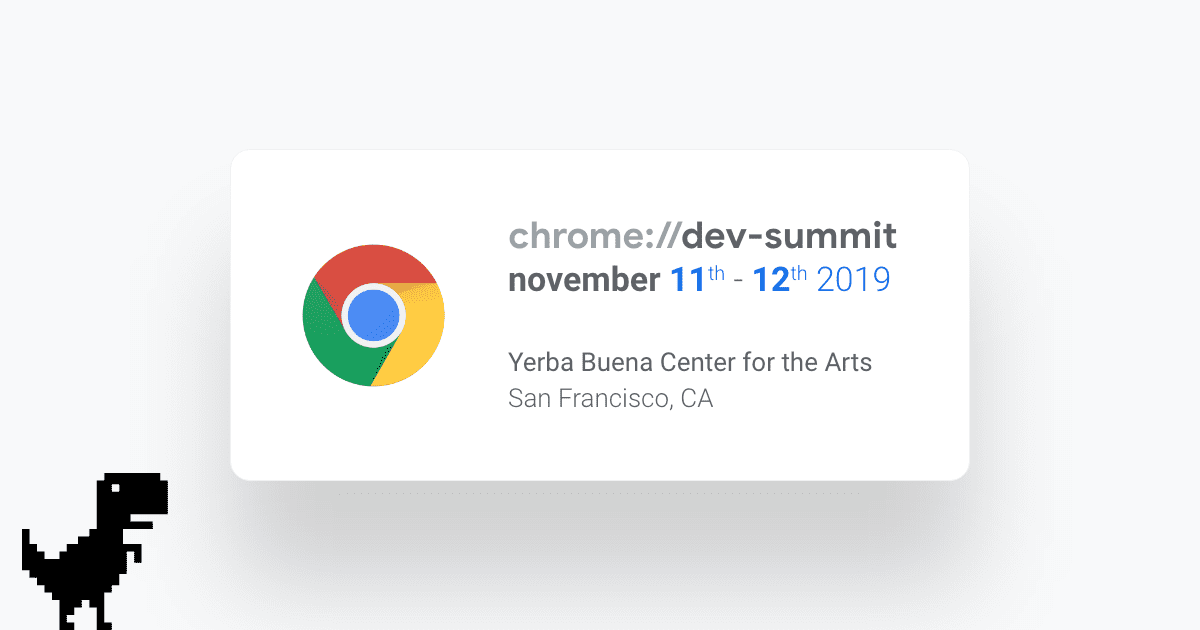
Don't forget to tune into the Chrome Dev Summit on November 11th and 12th, it'll be streaming live, on the Chrome Developers YouTube channel.
Official source: Official Chrome update
Installation notes
After downloading the package, confirm that the branch and platform match your device before launching the installer or extracting the archive. If you only need a standard everyday browser, Stable is usually the safest choice. If you are testing new behavior, Beta, Dev, and Canary are better fits.
Related release pages
For newer or older builds in the same branch, open the category archive linked above. For different platforms, use the related desktop archives in the sidebar.
Frequently asked questions
These FAQ blocks help the page read like a complete release article instead of a download stub, which is better for trust and better for SEO.
Should I use this release or stay on Stable?
If you just want the safest everyday browsing experience, Stable is usually the right default. Preview branches are better for testing, compatibility checks, and early feature access.
Why show exact version numbers so prominently?
Because exact-version queries are common in English search behavior, especially for QA teams, enterprise users, and people trying to reproduce a bug or environment.
Why keep a full article around the download buttons?
A stronger page body gives users context and gives Google clearer signals about what the release page actually covers.
Where should older releases live?
Older versions belong in the category archive page, with this article template handling exact-version landing pages one release at a time.