
Download 76.0.3809.132 from the Chrome Stable for Windows 32-bit
Download Google Chrome 76.0.3809.132 with the branch, platform, release date, and file size shown clearly on the same page.
What users usually want to know first
What changed in Chrome 76.0.3809.132
Google Chrome 76.0.3809.132 is available here as part of the Windows 32-bit Stable archive. Use this release page when you want the exact version, the current package details, and quick access to the correct installer.
PWA Omnibox Install Button
In Chrome 76, we're making it easier for users to install Progressive Web Apps on the desktop, by adding an install button to the address bar, sometimes called the omnibox.
If your site meets the Progressive Web App installability criteria, Chrome will show an install button in the omnibox indicating to the user that your PWA can be installed. If the user clicks the install button, it's essentially the same as calling prompt() on the beforeinstallprompt event; it shows the install dialog, making it easy for the user to install your PWA.
See Address Bar Install for Progressive Web Apps on the Desktop for complete details.
More control over the PWA mini-infobar
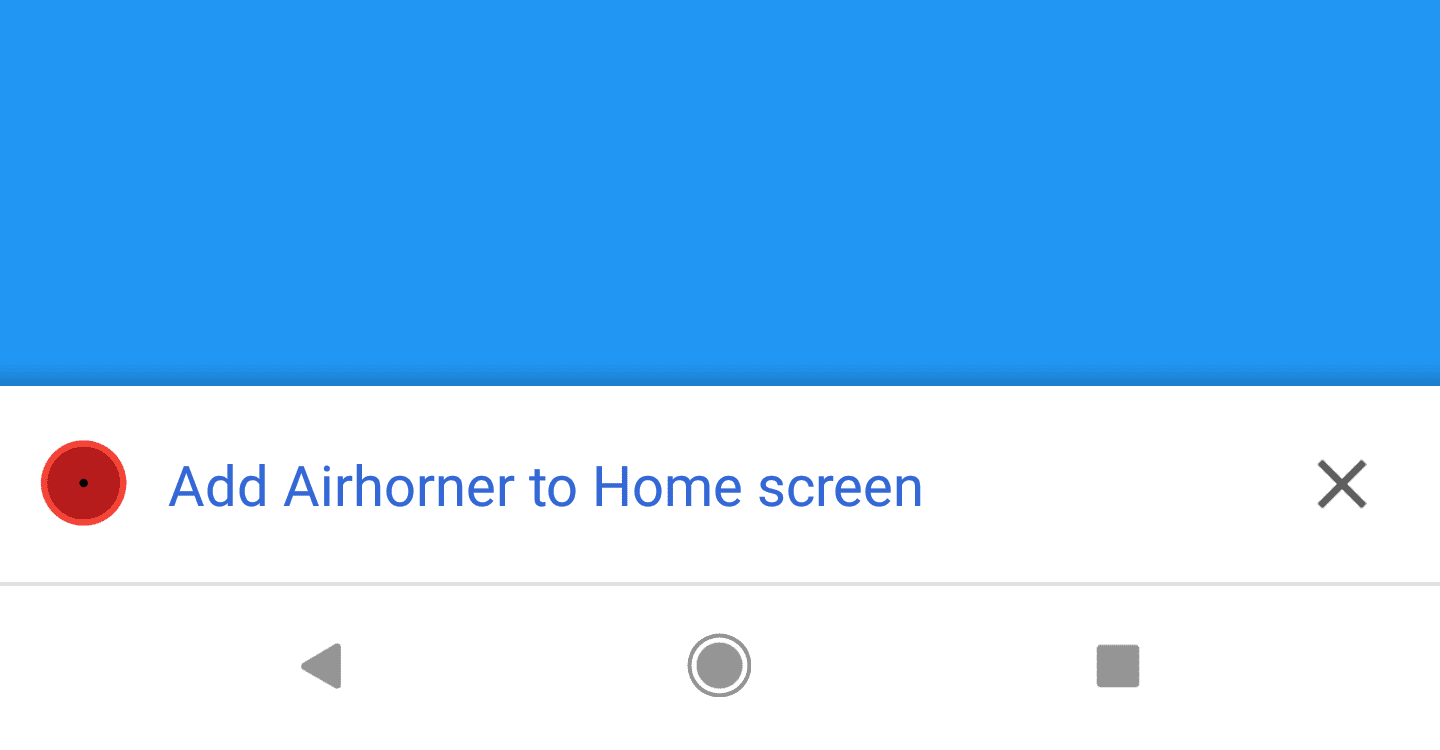
On mobile, Chrome shows the mini-infobar the first time a user visits your site if it meets the Progressive Web App installability criteria. We heard from you that you want to be able to prevent the mini-infobar from appearing, and provide your own install promotion instead.
Starting in Chrome 76, calling preventDefault() on the beforeinstallprompt event will stop the mini-infobar from appearing.
Be sure to update your UI - to let users know your PWA can be installed. Check out Patterns for Promoting PWA Installation for our recommend best practices for promoting the installation of your Progressive Web Apps.
Faster updates to WebAPKs
When a Progressive Web App is installed on Android, Chrome automatically requests and installs a Web APK. After it's been installed, Chrome periodically checks if the web app manifest has changed, maybe you've updated the icons, colors, or changed the app name, to see if a new WebAPK is required.
Starting in Chrome 76, Chrome will check the manifest more frequently; checking every day, instead of every three days. If any of the key properties have changed, Chrome will request and install a new WebAPK, ensuring the title, icons and other properties are up to date.
See Updating WebAPKs More Frequently for complete details.
Dark mode
Many operating systems now support a dark mode, or dark theme.
The prefers-color-scheme media query, allows you to adjust the look and feel of your site to match the user's preferred mode.
Tom has a great article Hello darkness, my old friend on web.dev with everything you need to know, plus tips for architecting your style sheets to support both a light, and a dark mode.
And more!
These are just a few of the changes in Chrome 76 for developers, of course, there's plenty more.
Promise.allSettled()
Personally, I'm really excited about Promise.allSettled(). It's similar to Promise.all(), except it waits until all of the promises are settled before returning.
Reading blobs is easier
Blobs are easier to read with three new methods: text(), arrayBuffer(), and stream(); this means we don't have to create a wrapper around file reader any more!
Image support in the async clipboard API
And, we've added support for images to the Asynchronous Clipboard API, making it easy to programmatically copy and paste images.
Official source: Official Chrome update
Installation notes
After downloading the package, confirm that the branch and platform match your device before launching the installer or extracting the archive. If you only need a standard everyday browser, Stable is usually the safest choice. If you are testing new behavior, Beta, Dev, and Canary are better fits.
Related release pages
For newer or older builds in the same branch, open the category archive linked above. For different platforms, use the related desktop archives in the sidebar.
Frequently asked questions
These FAQ blocks help the page read like a complete release article instead of a download stub, which is better for trust and better for SEO.
Should I use this release or stay on Stable?
If you just want the safest everyday browsing experience, Stable is usually the right default. Preview branches are better for testing, compatibility checks, and early feature access.
Why show exact version numbers so prominently?
Because exact-version queries are common in English search behavior, especially for QA teams, enterprise users, and people trying to reproduce a bug or environment.
Why keep a full article around the download buttons?
A stronger page body gives users context and gives Google clearer signals about what the release page actually covers.
Where should older releases live?
Older versions belong in the category archive page, with this article template handling exact-version landing pages one release at a time.